

In short
Name the task precisely, then search a model hub such as Hugging Face by task type and test two or three small candidates on your own examples. A model built for one job can be orders of magnitude cheaper to run than a general generative model doing the same job, so it is worth an afternoon of testing before you settle on a chatbot.
Steps
- Describe the task in one line, such as "sort support emails into six categories".
- Search a model hub filtered by that task type, for example text classification or translation.
- Shortlist two or three small models and check their licences and languages.
- Test each one on 50 to 100 of your own real examples with a pass mark.
- Compare energy per request where a rating exists, and keep a general model only for the cases that fail.
For well-defined jobs, a model trained for that job is usually cheaper and often just as good. A general chatbot pays, on every request, for abilities your task never uses.
Why does it matter?
Luccioni, Jernite and Strubell compared many models across common tasks and found multi-purpose generative models orders of magnitude more expensive to run than task-specific systems for the same tasks. UNESCO and University College London report that small task-specific models can cut energy use by up to 90%.
Where do I look?
Start with a public model hub and search by task, not by brand. Hugging Face, for example, lets you filter models by task such as text classification, named-entity recognition, summarisation, translation or speech recognition. Look for:
- models fine-tuned on data similar to yours (same language, same kind of text);
- a clear model card saying what it was trained on and how it was evaluated;
- a size you can afford to run, measured in parameters.
For comparing energy, the AI Energy Score rates models on GPU energy for ten common tasks, from one to five stars.
Common mistakes
- Judging on public benchmarks alone. Test on your own examples; that is the only score that matters to you.
- Asking a chatbot to do bulk classification. If you are labelling thousands of items, a small classifier is faster and cheaper.
- Forgetting the fallback. Keep a larger model for the hard cases, and see how to route requests to smaller models.
For the full method, read choose the right model.
Sources
- Power Hungry Processing: Watts Driving the Cost of AI Deployment?, Luccioni, Jernite and Strubell, ACM FAccT (2024)
- Smarter, smaller, stronger: resource-efficient generative AI and the future of digital transformation, UNESCO and University College London (2025)
- AI Energy Score, Hugging Face (2025)
Related
How do I choose a smaller AI model?
How to pick the smallest AI model that does your task well: set a quality bar, test small to large, check energy ratings and keep a big model as fallback.
How do I decide whether classic machine learning will do instead of an LLM?
A quick test for data scientists: when a regression, tree model or small classifier beats a large language model on cost, energy, speed and reliability.
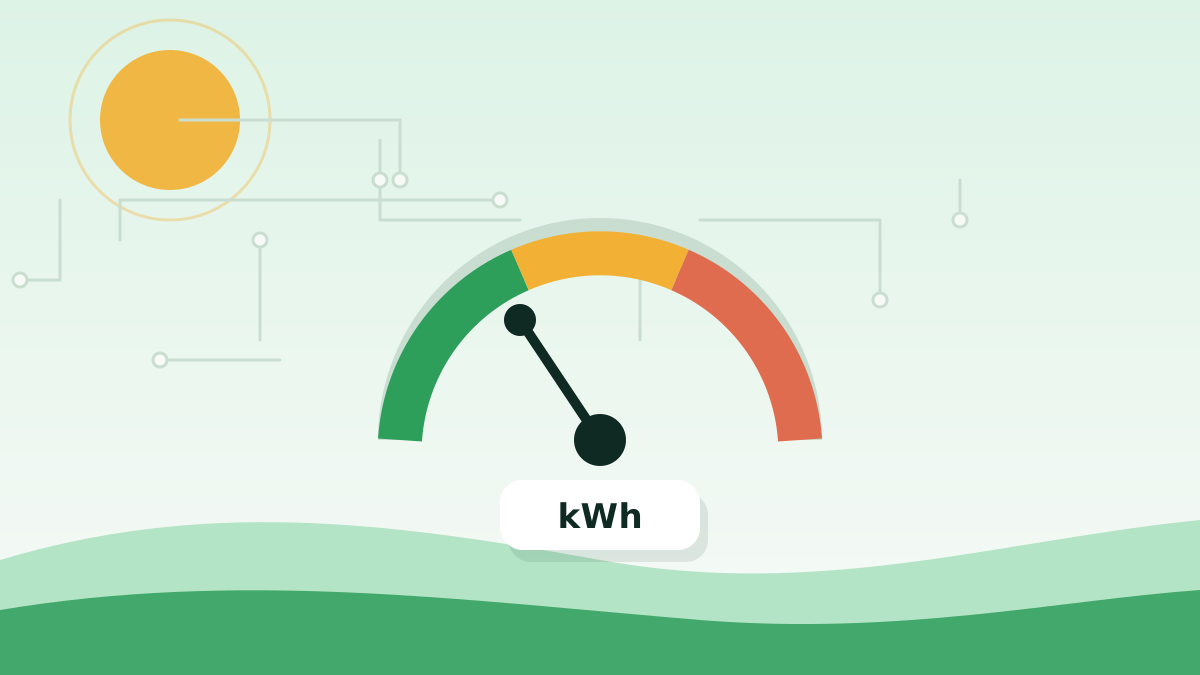
How do I compare the energy use of different AI models?
How to compare AI models on energy fairly: use benchmarks like the AI Energy Score, or measure them yourself on the same task, hardware and settings.
Choose the right model for the job
How to right-size AI: when to use small or specialised models, when a frontier model earns its cost, how routing works, and when not to use AI.